Photo Restyle
Cinematic Night Glow Restyle
Use the uploaded image as the main base image and preserve the subject’s original pose, framing, composition, camera angle, crop, body position, hand
By PromptPlum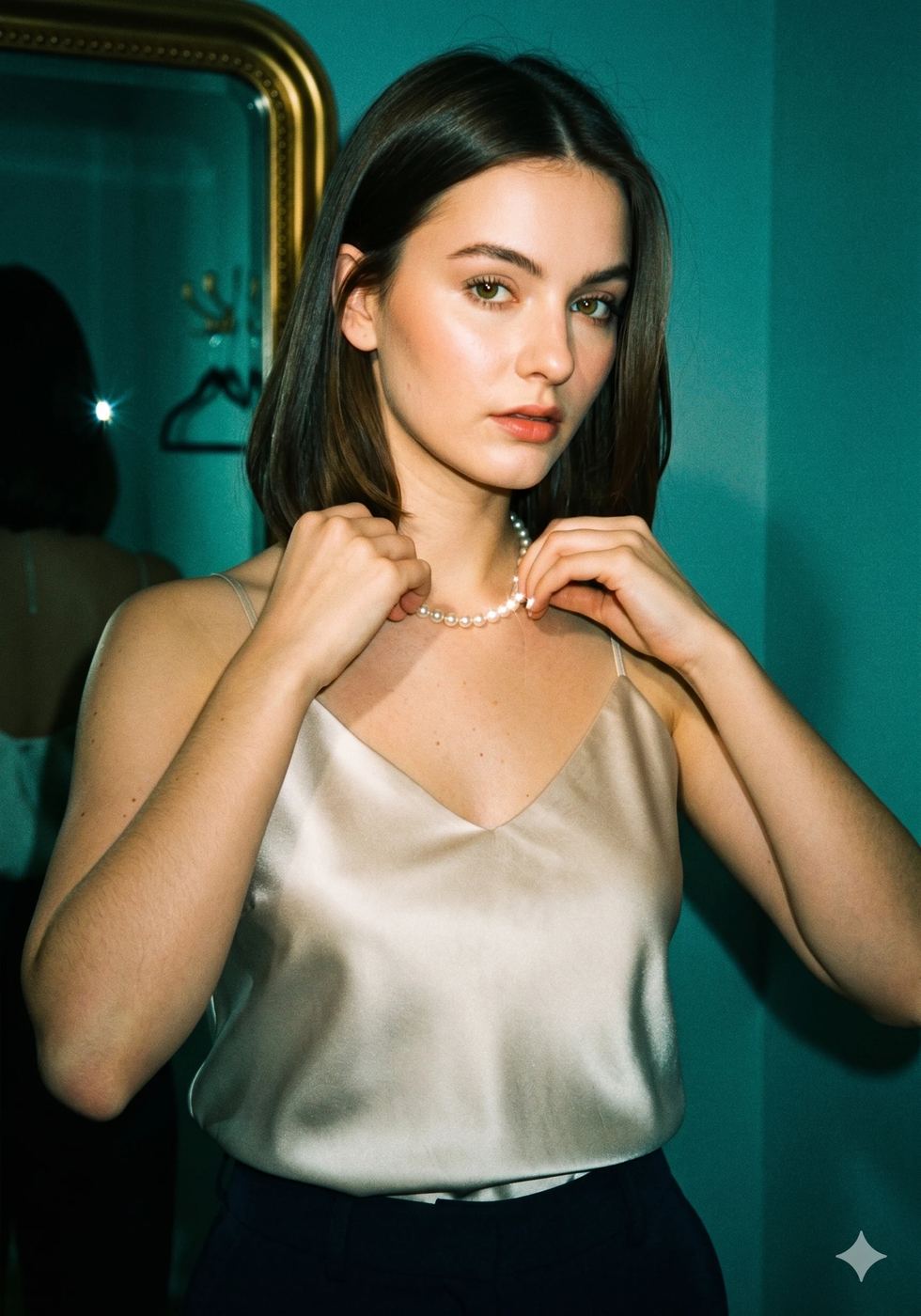
Rate this prompt
Use the uploaded image as the main base image and preserve the subject’s original pose, framing, composition, camera angle, crop, body position, hand
By PromptPlumEditorial fashion portrait of a [young woman] with [naturally long hair with soft curtain bangs and loose waves falling past the shoulders], [fair ski
By PromptPlumCreate a photorealistic, ultra-detailed fashion editorial portrait of a stunning woman exuding modern elegance. She is wearing a chic, tailored mint-g
By PromptGemAIUsing the uploaded photo as facial identity only; ignore its original pose, clothing, hairstyle, framing and background. Recreate the person as a youn
By PromptPlumCreate a studio-quality portrait shot in front of a dark, plain background. The woman in the reference picture is a well-groomed woman with dark hair.
By PromptPlumRender an 8K ultra-realistic close shot of a woman (face characteristics 100% same as the uploaded image) with windswept hair partially covering one e
By PromptPlumCreate a high-resolution, ultra-realistic cinematic portrait inspired by Golden Age of Hollywood (1940s–1950s) glamour. If a reference face is provid
By PromptPlumGenerate a hyper-realistic, cinematic mirror-selfie portrait of the uploaded woman standing naturally in a bright, minimal bedroom. She is wearing an
By PromptPlumUse the uploaded reference image strictly as the ONLY face reference. Create a hyper-realistic, black-and-white studio portrait. Composition & Framing
By PromptPlumFind the perfect aesthetic for your next project.
358
Prompts305
Prompts267
Prompts209
Prompts204
Prompts199
Prompts189
Prompts182
Prompts180
Prompts166
Prompts163
Prompts154
Prompts141
Prompts134
Prompts134
Prompts132
Prompts127
Prompts123
Prompts121
Prompts117
Prompts