//
ChatGPT AI Photo Editing Prompts
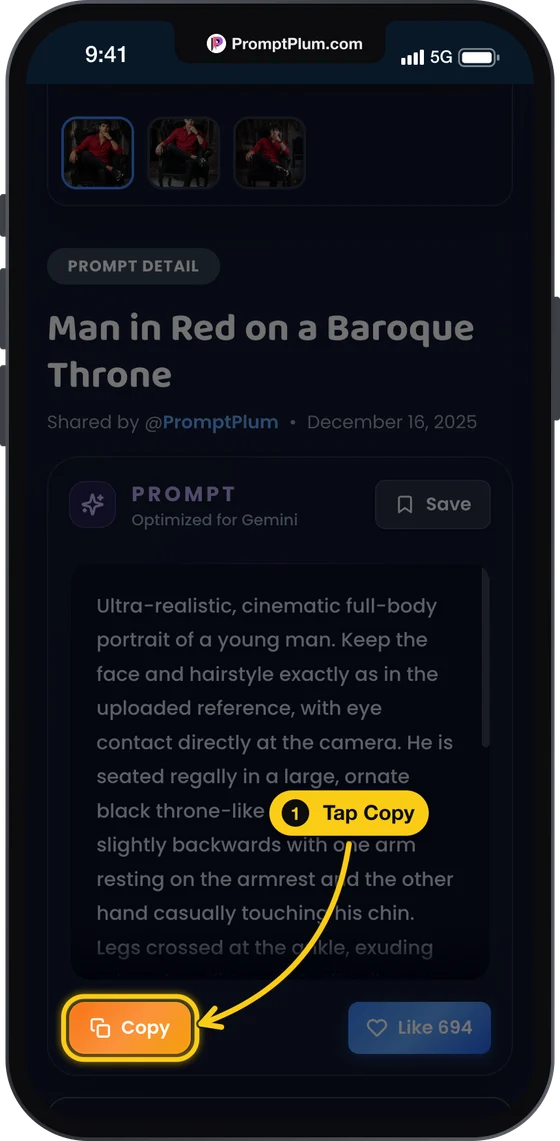
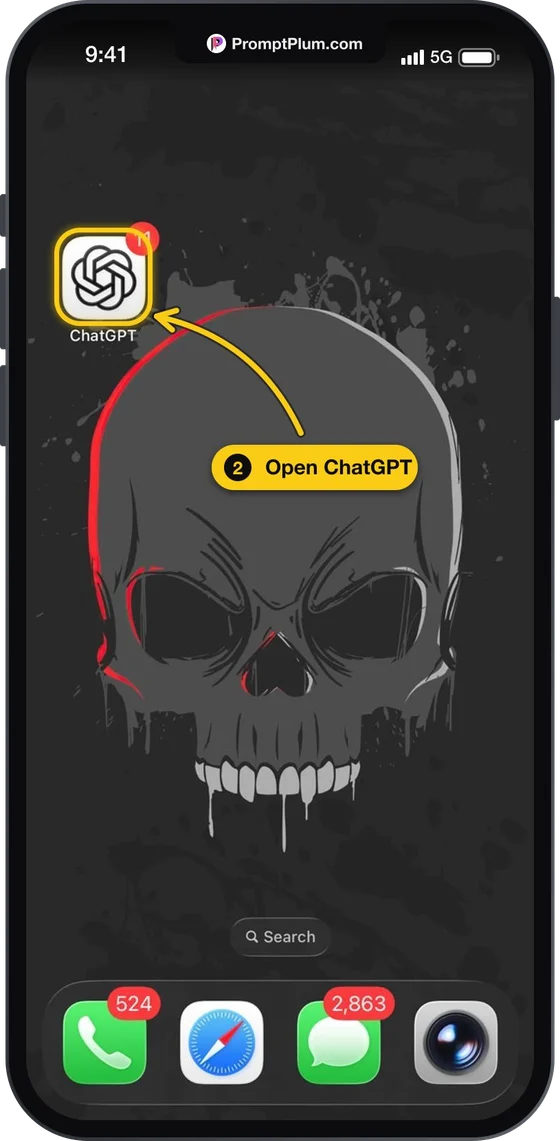
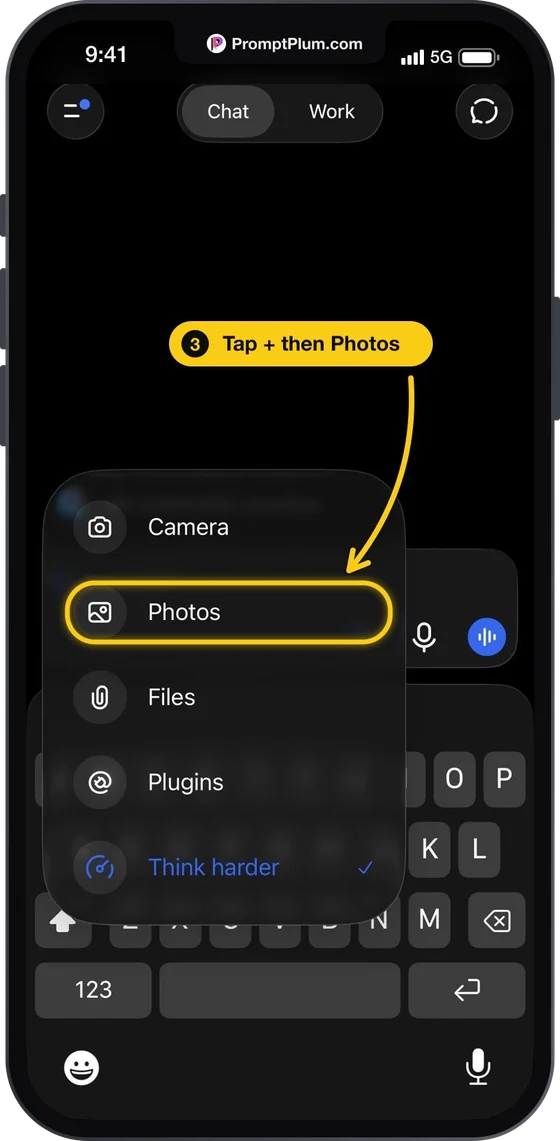
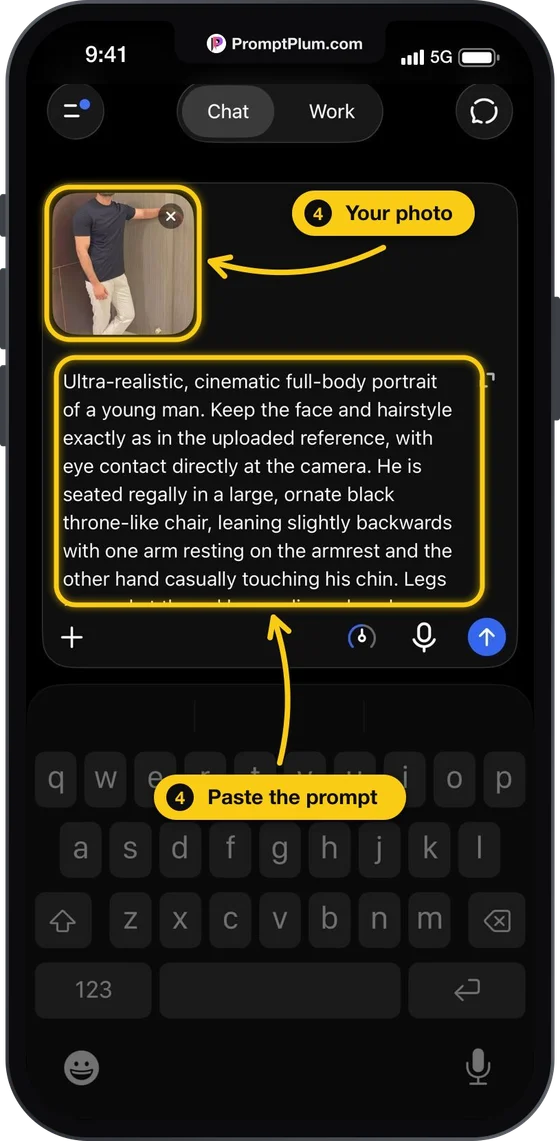
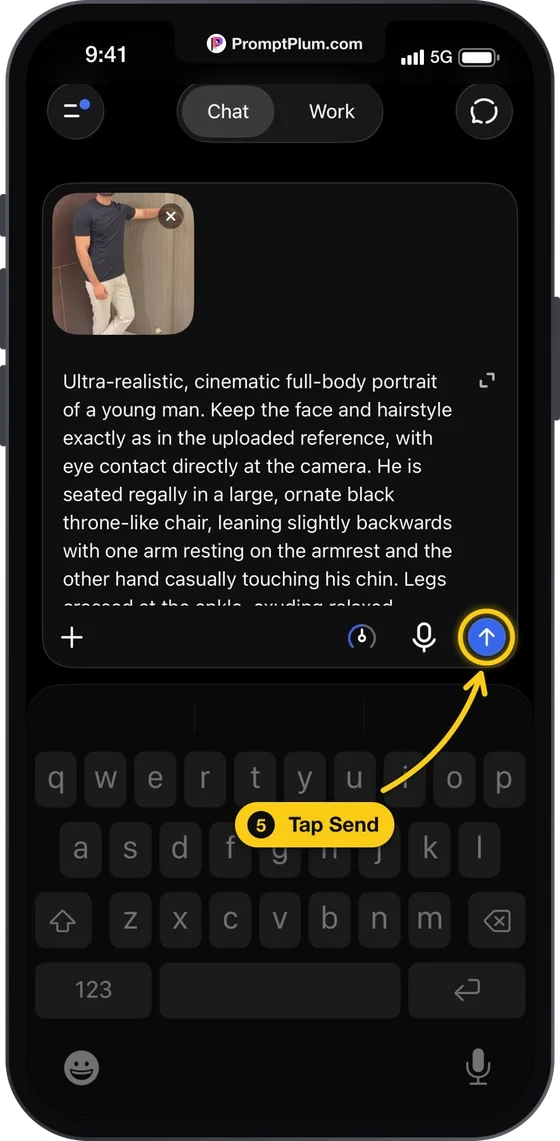
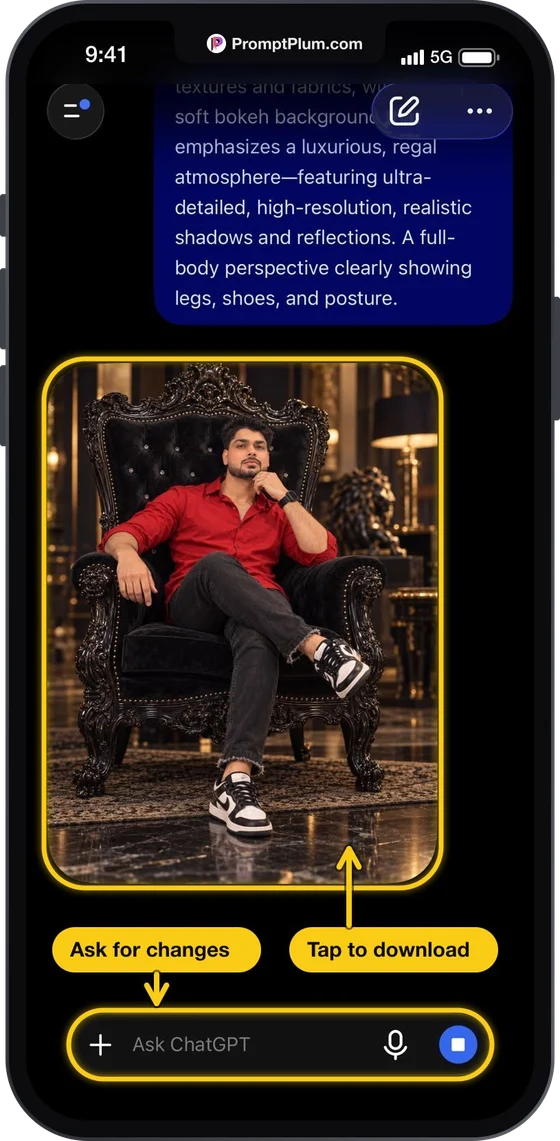
Explore 100+ curated ChatGPT AI photo editing prompts. Copy a prompt, paste it into ChatGPT with your photo, and recreate the look in seconds. Every prompt comes with real result previews.
New here? See how to use these prompts in ChatGPT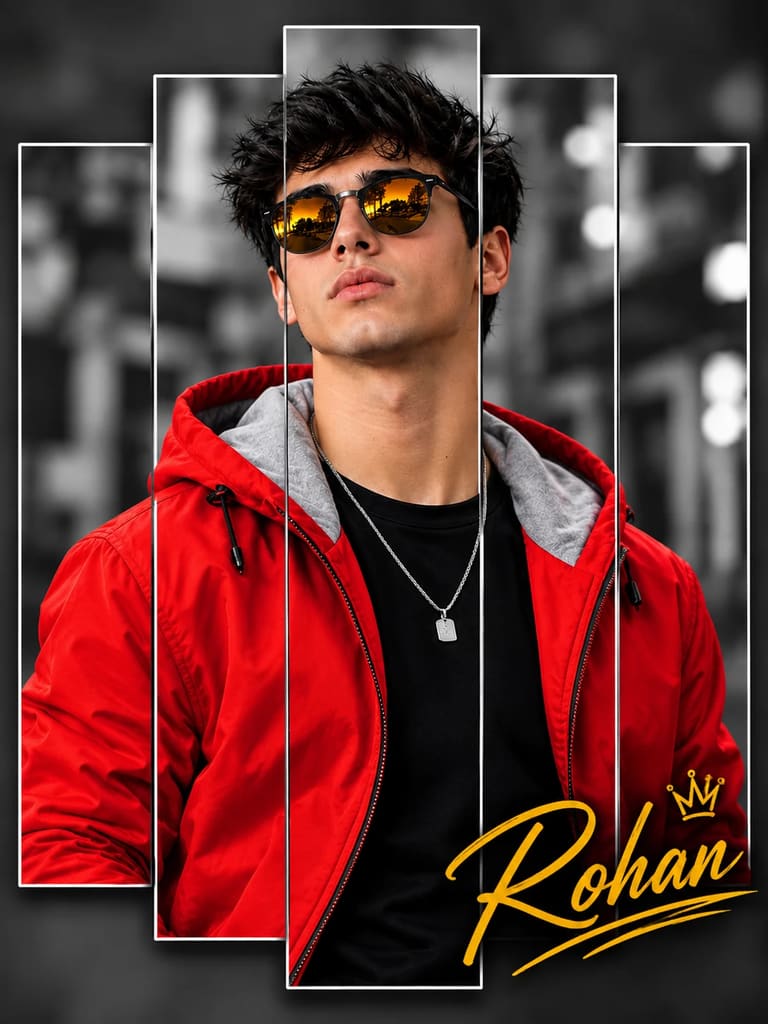
Boy
Boy in Red Jacket 3D Split-Frame Collage Portrait Prompt
Create an ultra-realistic cinematic portrait of a stylish young man, using the uploaded reference photo to preserve the exact facial identity, facial
By PromptPlum
Miniature Diorama
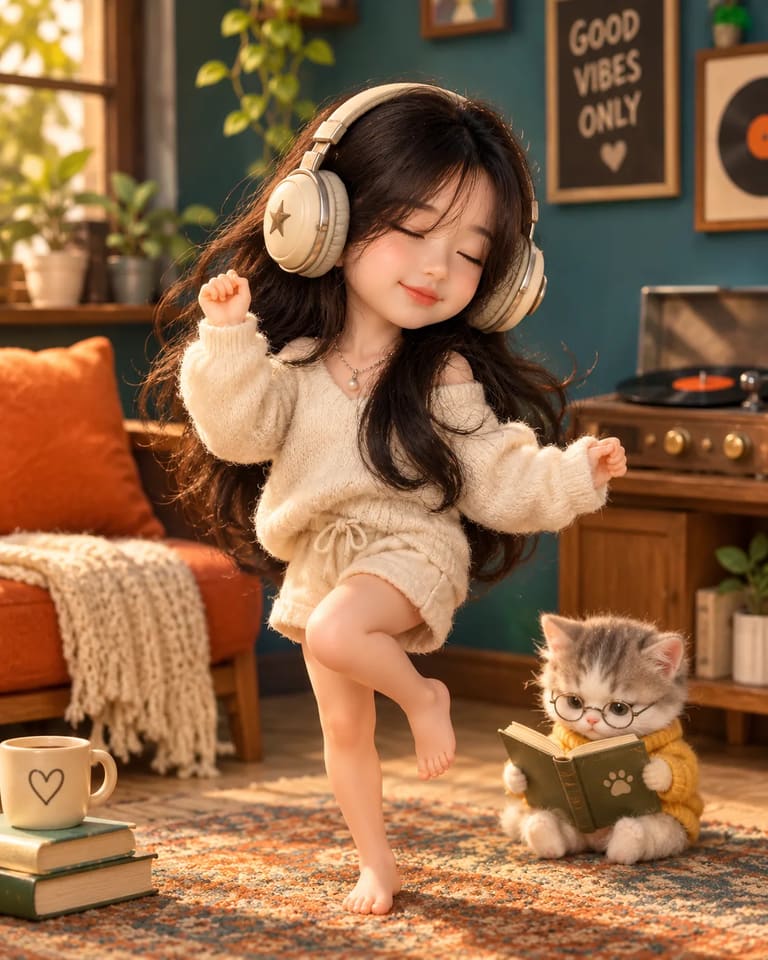
Cute 3D Miniature Girl Dancing Portrait Prompt
Use the uploaded photo as the facial identity reference. Transform the subject into an adorable sculpted miniature character with a petite body, short
By User
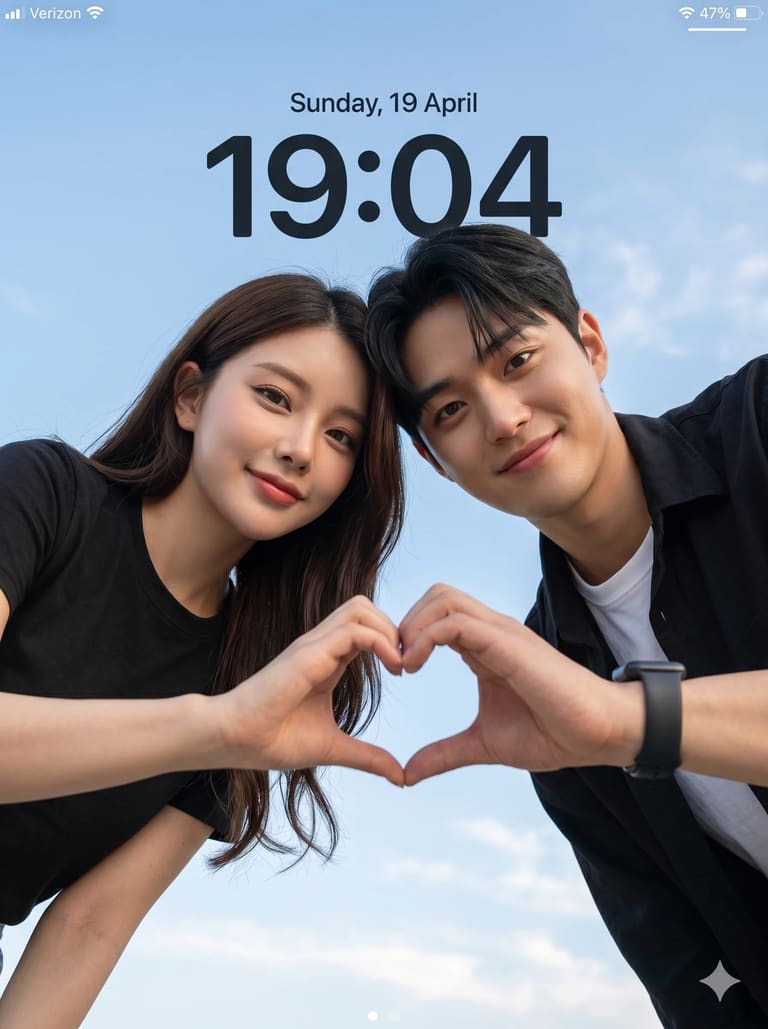
Couple
Skyward Couple
Create an ultra-realistic cinematic low-angle couple portrait with a smartphone lockscreen UI overlay. Capture in 8K DSLR quality with extremely sharp
By PromptPlum
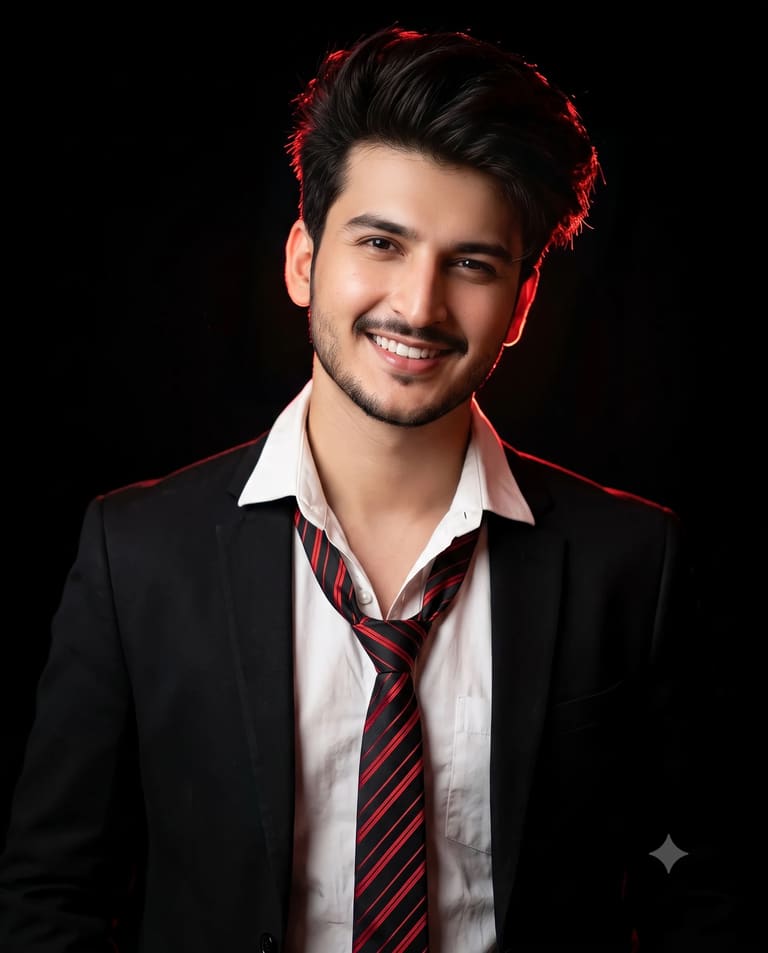
Portraits
Man with Loosened Tie in Dramatic Red Lighting
A reference man wearing a black blazer, open-collar white shirt, and loose black-red striped tie, standing against a pure black background, soft posit
By PromptPlum
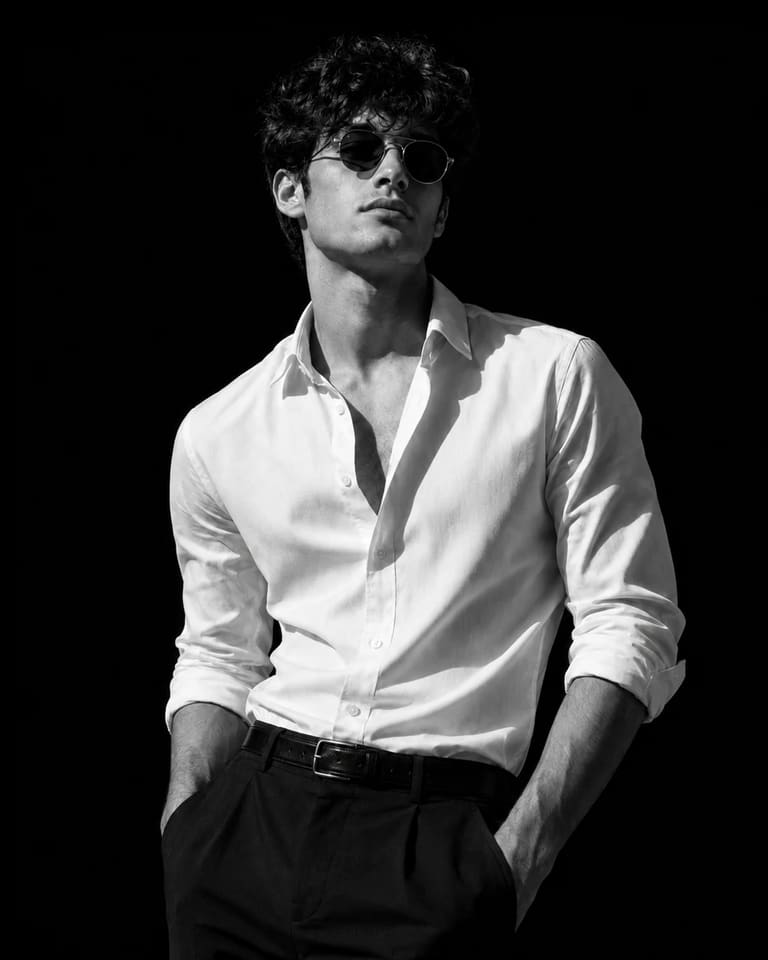
Men’s Fashion
Vintage Man in White Shirt & Sunglasses
Dramatic black-and-white studio portrait of a man, wearing round vintage sunglasses. Wearing a crisp white dress shirt with top buttons undone, sleeve
By PromptPlum
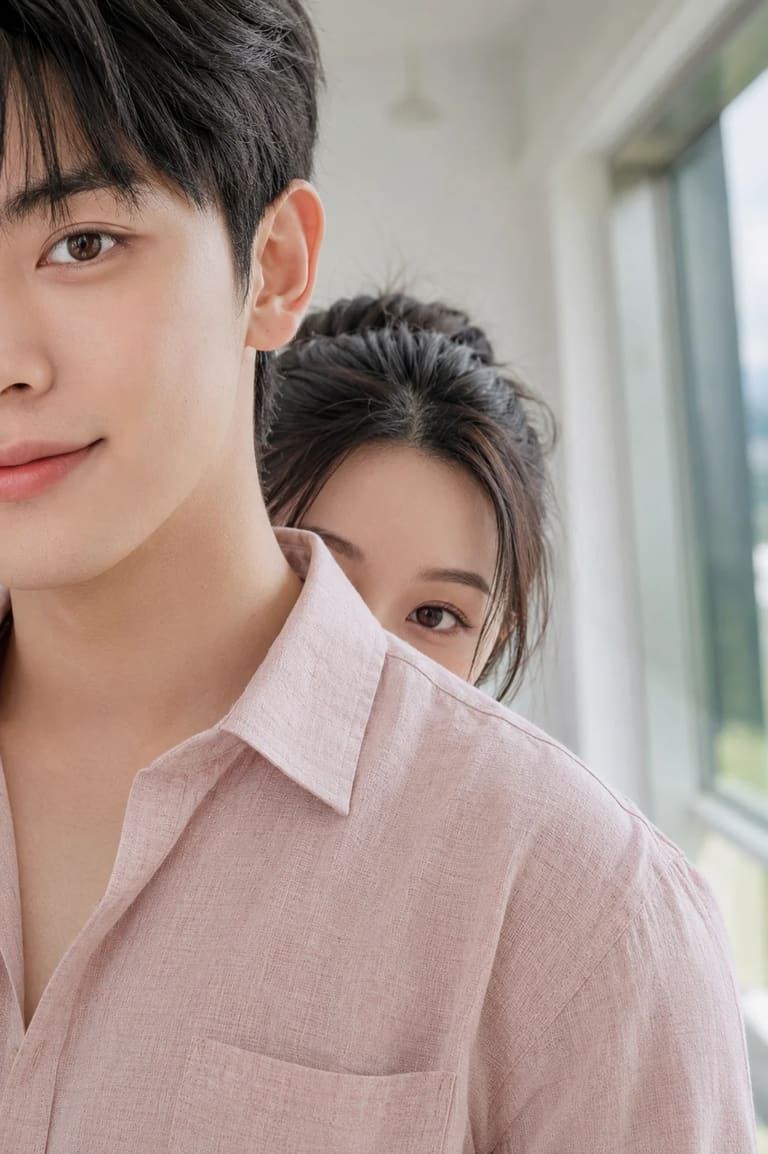
Couple
Couple Photo Editing ChatGPT Prompt
Use the uploaded male and female images as identity references only. Preserve both faces, hairstyles, skin tone, and facial features accurately. Creat
By PromptPlum

Viral AI Trends
80s Vintage Couple Portrait
Using the uploaded photo as the identity reference for both people, recreate us as a stylish couple in the 1980s. Keep both faces recognizable, give u
By PromptPlum
Couple
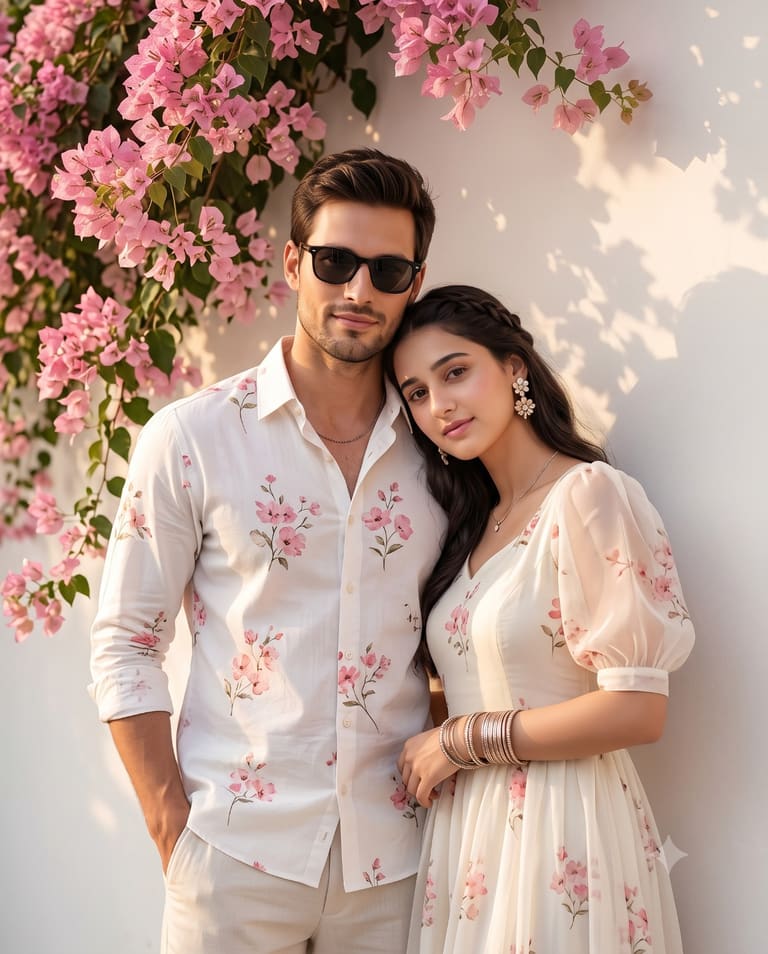
Couple in Matching Floral Whites
Create a romantic cinematic portrait of a stylish couple standing closely together beside a soft white smooth wall covered with lush pink bougainville
By PromptGemAI
Cinematic Portrait
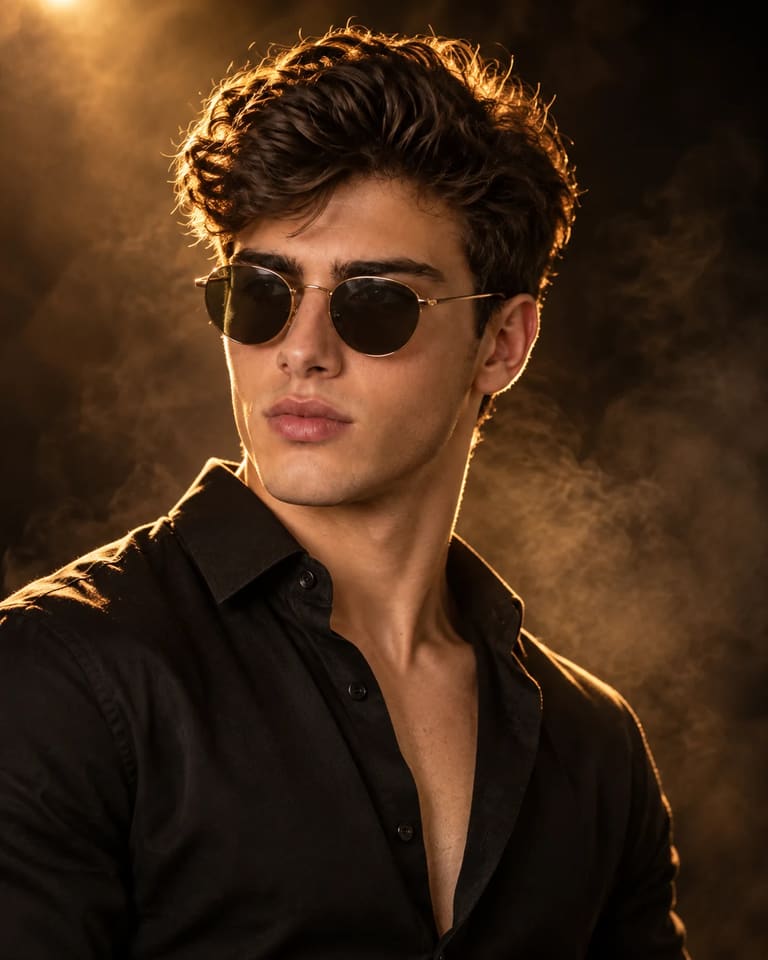
Cinematic Amber Backlit Male Portrait AI Prompt
Create an ultra-realistic cinematic portrait of the same male person from the uploaded reference image. Preserve his recognizable facial identity, nat
By PromptPlum
Artistic Portrait
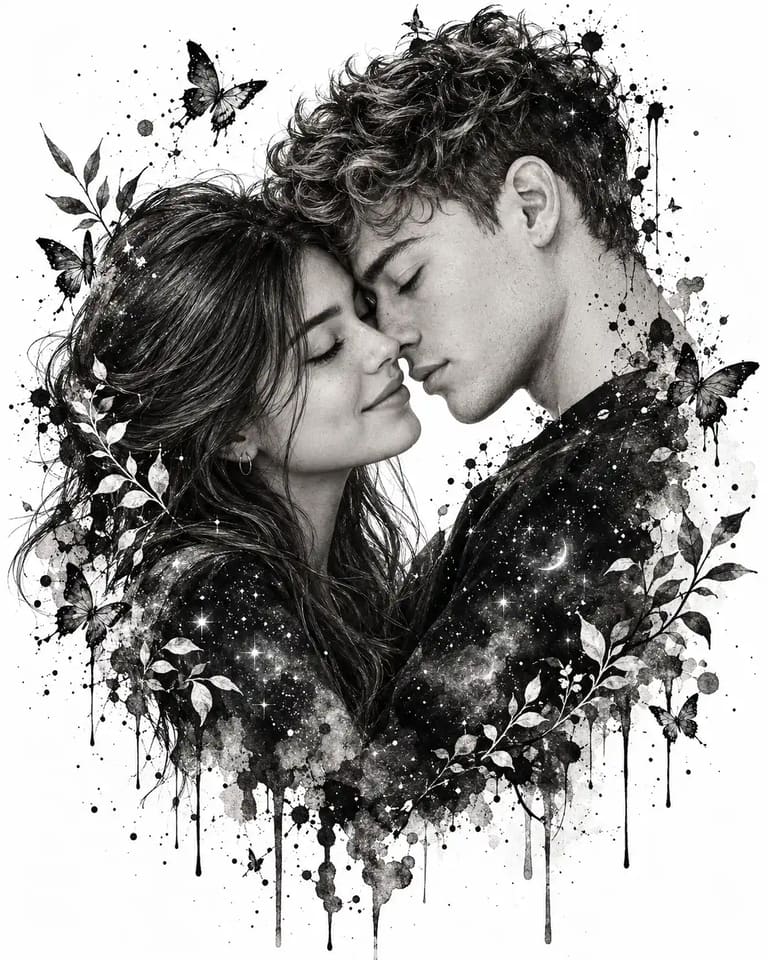
Black and White Couple Ink Illustration Prompt
Black and white artistic ink splash illustration of a young romantic couple in love, foreheads touching eyes closed, messy curly hair, watercolor ink
By User
Film-Noir Aesthetics
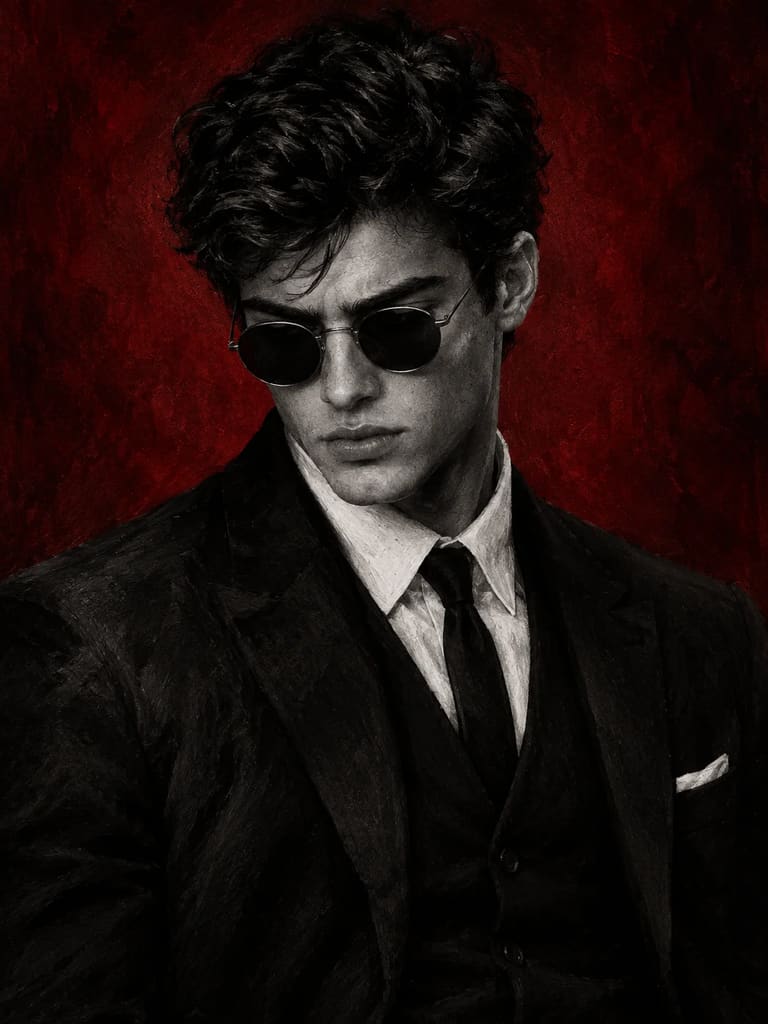
Noir Man Suit Red Background Photo Prompt
Create a dark, cinematic black-and-white digital oil-painting portrait of a man against a deep crimson-red textured background, vertical 3:4. Use the
By PromptPlum
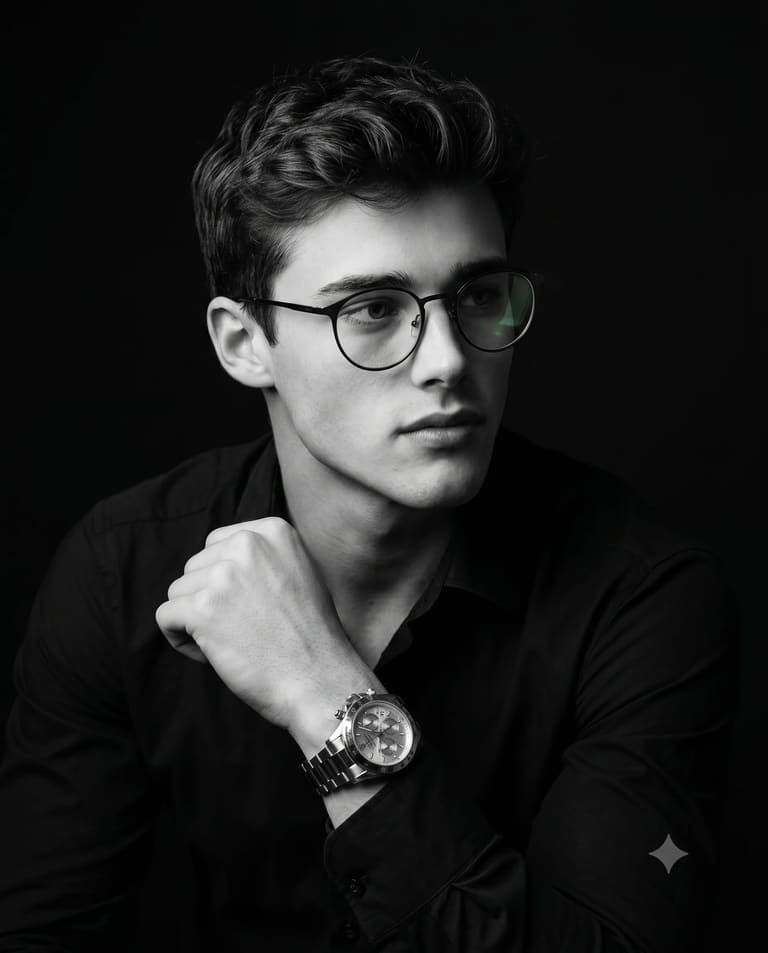
Black & White
Focused and Framed
Use the uploaded image strictly only for face and Identity reference. Preserve the subject’s facial structure, skin tone, age, hairstyle, and natural
By PromptPlum
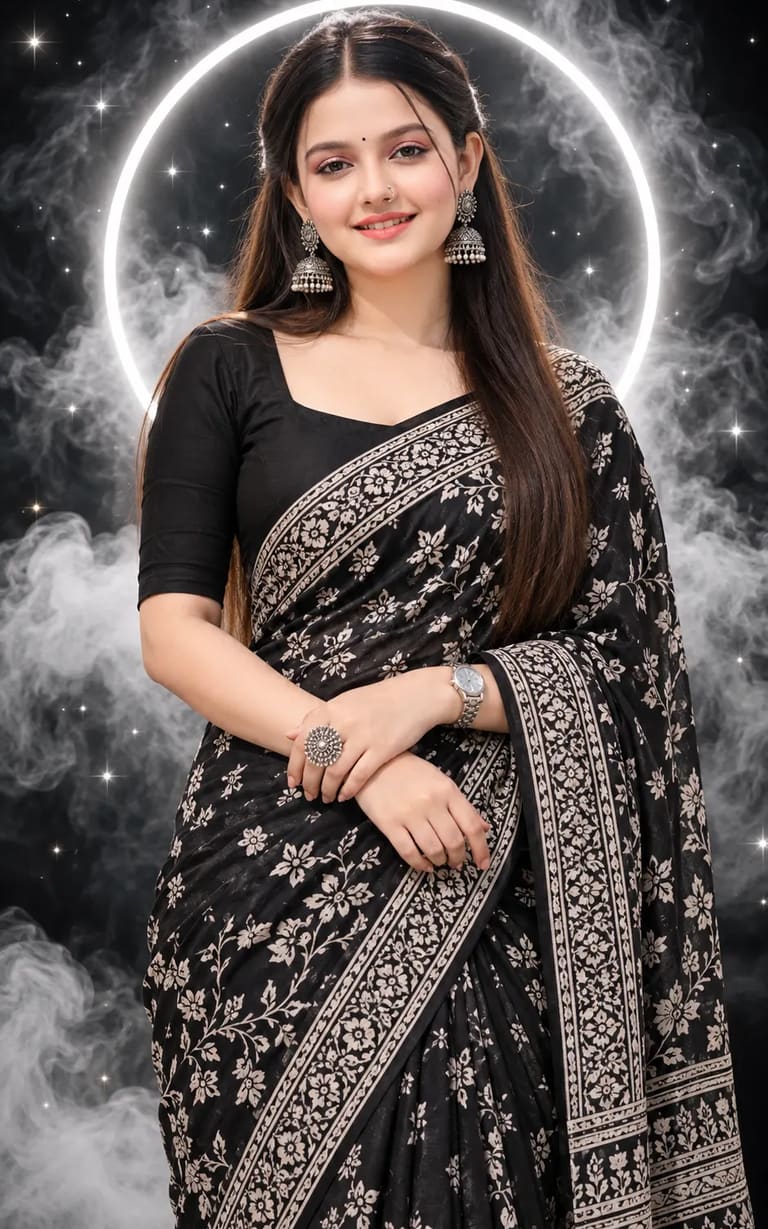
Saree
Woman Black Cotton Saree Portrait Prompt
Create an ultra-realistic portrait of a beautiful young Indian woman with long dark brown half-up, half-down straight hair, soft natural makeup, coral
By User
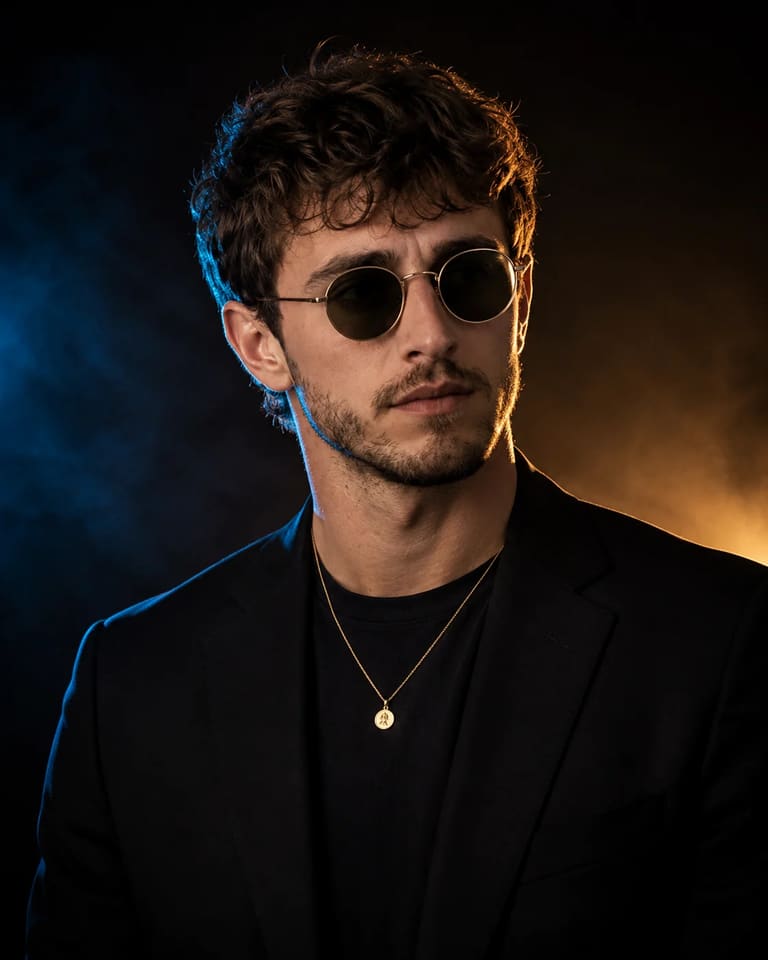
Male Portraits
Cinematic Dual-Tone Lighting Portrait
Edit the attached photo of this person into a hyper-realistic luxury editorial studio portrait. This is the same individual from the uploaded image —
By PromptPlum
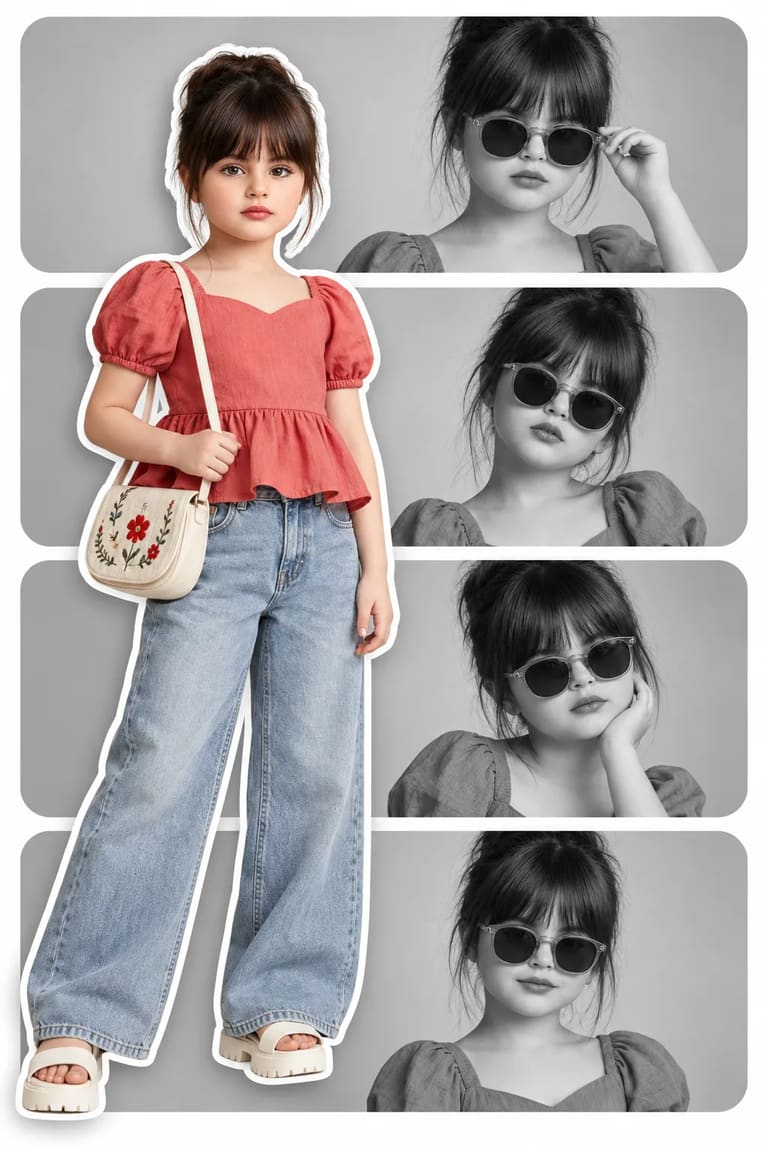
Babies & Children
Fashion Editorial Scrapbook Collage AI Prompt
Use the uploaded photo only as the facial identity reference. Preserve the subject’s recognizable facial features, face shape, eyes, eyebrows, nose, l
By PromptPlum
Professional Portrait
Burnt Orange
Use the uploaded reference image as a facial identity lock; Ignore its original pose, clothing, lighting and background. The subject’s face must remai
By PromptPlumFilm-Noir Aesthetics
Monochrome Man Orange Sunglasses Portrait AI Prompt
Create an ultra-realistic, dramatic high-contrast black-and-white studio portrait of a man, framed from mid-torso upward. He wears a textured white op
By PromptPlumSurrealism / Photorealism
Girl Chasing Mini Chibi ChatGPT Photo Prompt
Create an ultra-realistic, cinematic 3D CG scene in vertical 3:4 format using the uploaded person's photo. Ignore the original pose, clothing, and bac
By PromptPlumBirthday
Boy Luxury Birthday Collage Poster AI Prompt
Create an ultra-realistic, premium, cinematic 4:5 vertical birthday poster using the uploaded photo as the facial identity reference. Preserve his fac
By PromptGemAIBlack & White
Man Sitting on Chair B&W Portrait AI Prompt
Use the face from the uploaded reference image and preserve the same facial features - do not alter the face. Well-groomed man seated on a wooden chai
By PromptPlumViral AI Trends
80s Men's Vintage Car Portrait
Using the uploaded photo as facial identity only; ignore its original pose, clothing, hairstyle and background. Recreate the person as a stylish young
By PromptPlumHalloween
Halloween Gothic Witch Woman Portrait Prompt
Create an ultra-realistic, cinematic gothic witch portrait of a mysterious and beautiful uploaded woman standing in an ancient enchanted forest on a H
By PromptPlumAttitude
Man Black Suit Smoke Background AI Prompt
Create an ultra-realistic, cinematic luxury fashion portrait of a uploaded person. Composition & Pose: Tight vertical close-up portrait from the ches
By PromptGemAIScrapbook & Collage
Green Gown Photo Collage AI Prompt
A creative romantic digital photo collage featuring a woman in a peacock green frock. The main subject is a full-body cutout placed slightly left, tur
By UserDark Aesthetic
Off-Grid Elegance
Use the uploaded image strictly only for the male subject’s face and identity reference. Preserve his natural facial features and overall likeness wit
By PromptPlumDouble Exposure
Woman Magazine Style Double Exposure Fashion Photography Prompt
Use the uploaded photo only as the facial identity reference for BOTH portraits. Preserve the exact facial structure, hairstyle, hairline, eyes, nose,
By PromptPlumRelationship & Love
Twilight Seaside Romance
A photorealistic, ultra-detailed medium portrait of a highly attractive, elegant couple standing closely together on a beach at twilight. The beautifu
By PromptGemAIAnime & Manga
Low Angle Streetwear Woman Manga Background Photo Prompt
Ultra-realistic fashion editorial photo of a confident woman walking directly toward the camera in a dramatic low-angle perspective, with one sneaker
By UserBabies & Children
Baby Expression Torn Paper Collage Photo AI Prompt
Use the uploaded toddler photo ONLY as the facial identity and hairstyle reference. Preserve the child's exact recognizable facial features, age, skin
By PromptPlumCinematic
Moody Teal Orange Gradient Man Portrait
Hyper-realistic cinematic studio portrait of a well-groomed man wearing a plain matte-black crewneck sweatshirt. Tight chest-up composition, centered,
By PromptPlum