//
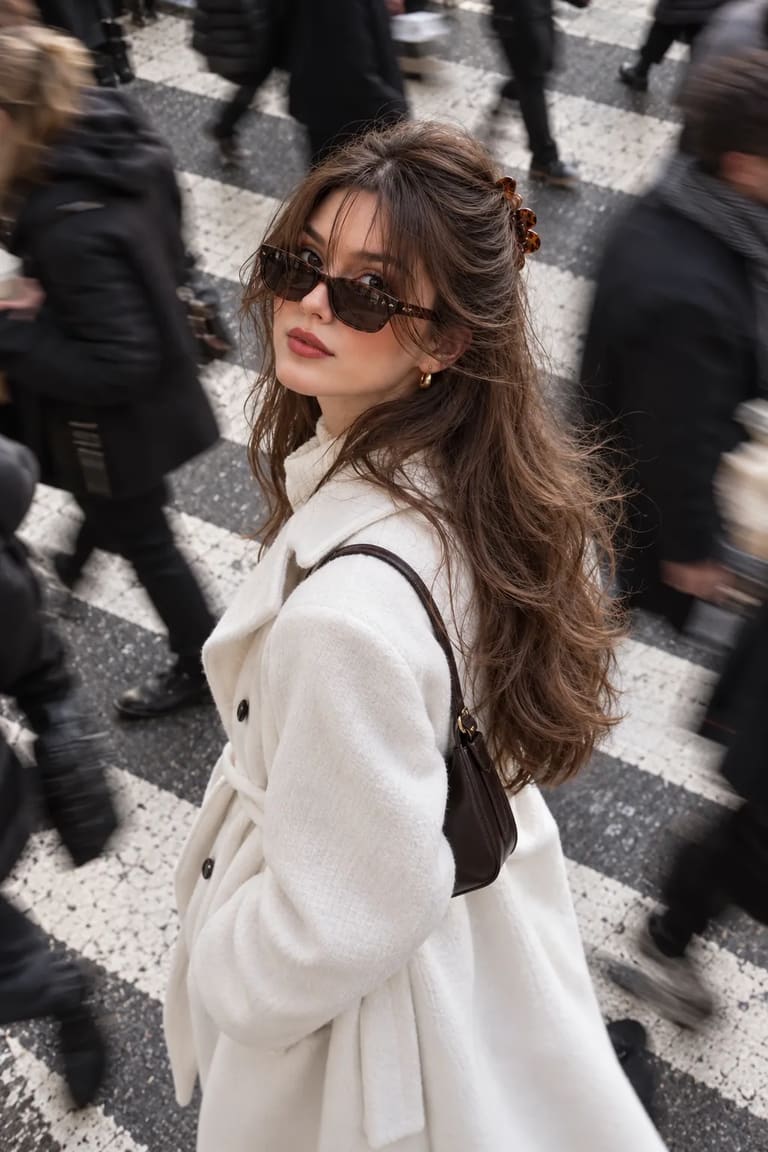
Explore 1 curated Midjourney AI photo editing prompts. Copy a prompt, paste it into Midjourney with your photo, and recreate the look in seconds. Every prompt comes with real result previews.
New here? See how to use these prompts in MidjourneyStep-by-step guide
Turn your own photo into any look on this page in five simple steps. No prompt writing needed.
Open PromptPlum.com, pick the look you want and tap Copy.
Open the Midjourney app or website and start a fresh chat.
Tap the + (add) button and upload the photo you want to edit.
Paste the prompt you copied into the message box.
Tap Send and Midjourney starts generating your image.
Generation usually takes a few minutes. Tap the finished image to download it, or send a follow-up message to change details.
Copy a prompt from PromptPlum, open a new chat in Midjourney, attach your photo, paste the prompt and send it. Midjourney edits your photo into the look shown on the prompt.
Most prompts are free to copy. A few are marked Premium and unlock with PromptPlum Premium.
Usually a few minutes. Keep the chat open until the image appears, then open it to download.
Mostly no. Paste it exactly as copied. A few prompts include personal details like a name, date of birth or age (for example birthday prompts); change those to your own before sending. You can also edit words like the outfit, background or colours, or ask for those changes in a follow-up message.
Use a clear, well-lit photo where your face is fully visible, then reply: "Keep my face exactly the same as in the photo I uploaded."
No. You upload your photo directly to Midjourney, not to PromptPlum. PromptPlum only provides the prompt text.
Find the perfect aesthetic for your next project.
398
Prompts306
Prompts278
Prompts273
Prompts232
Prompts206
Prompts201
Prompts192
Prompts191
Prompts170
Prompts166
Prompts157
Prompts148
Prompts144
Prompts143
Prompts138
Prompts138
Prompts132
Prompts129
Prompts128
Prompts